BIGSHINE
Portable Pull-Up Screen / P-SB
A self-standing manual pull-up screen that packs into an aluminium carry case for meetings, classrooms and temporary viewing spaces.

Portable pull-up screen / P-SB
Carry it in. Lift the picture.
The BIGSHINE P-SB is a self-standing pull-up screen for rooms that change from one presentation to the next. Its aluminium carry case becomes the base, while an integrated hydraulic mechanism lifts the viewing surface after the feet and case are opened.
- Screen type
- Portable pull-up floor stand
- Projection surface
- HD matte white fabric
- Warranty
- 12 months
Suitable for normal-throw and short-throw projection. Unsuitable for ultra-short-throw projection.
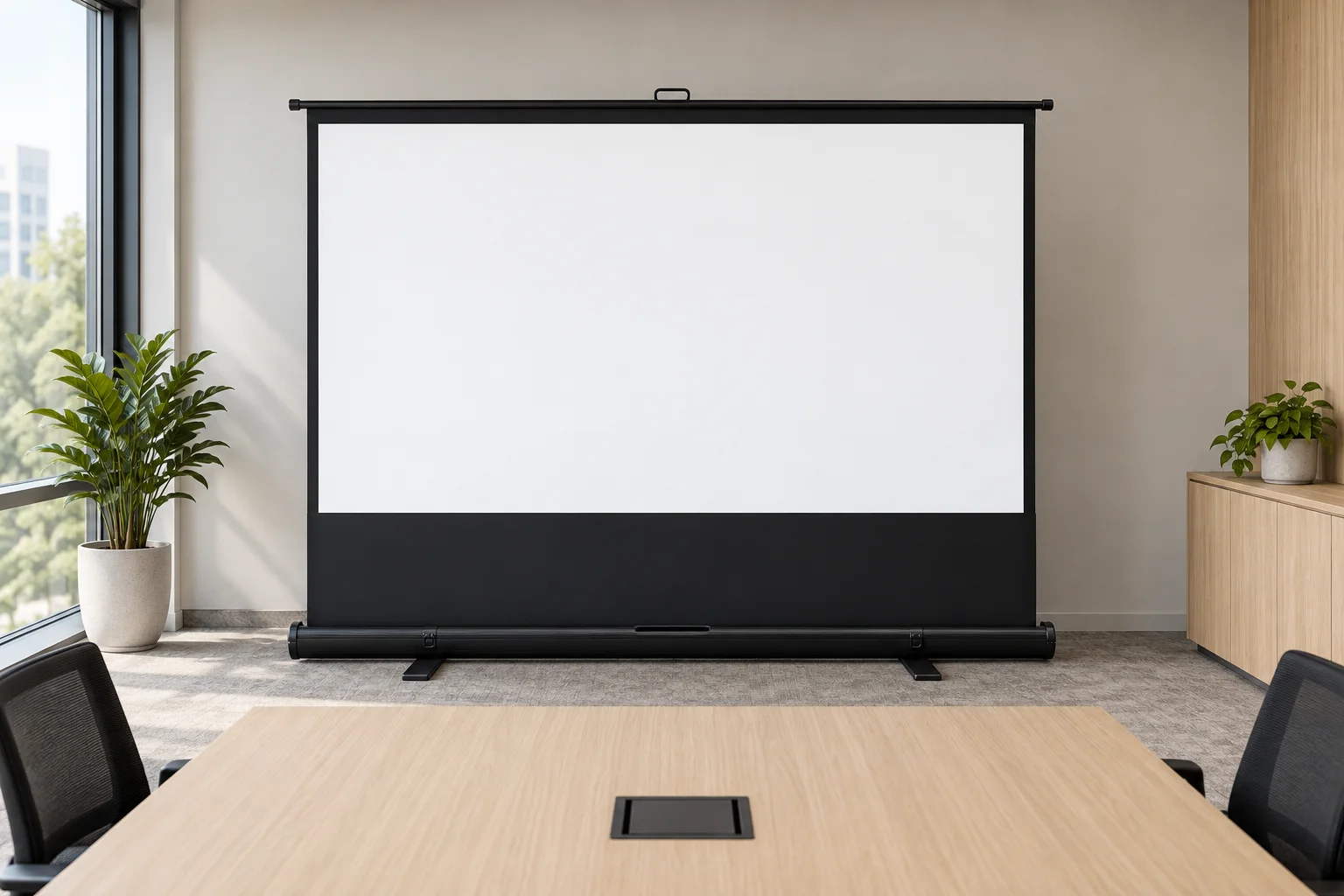
A carry case that becomes the stand.
The P-SB folds the screen, support structure and base into one aluminium casing. A non-reflective black lower section frames the projected image, while the matte white surface keeps the setup ready for temporary rooms and events.
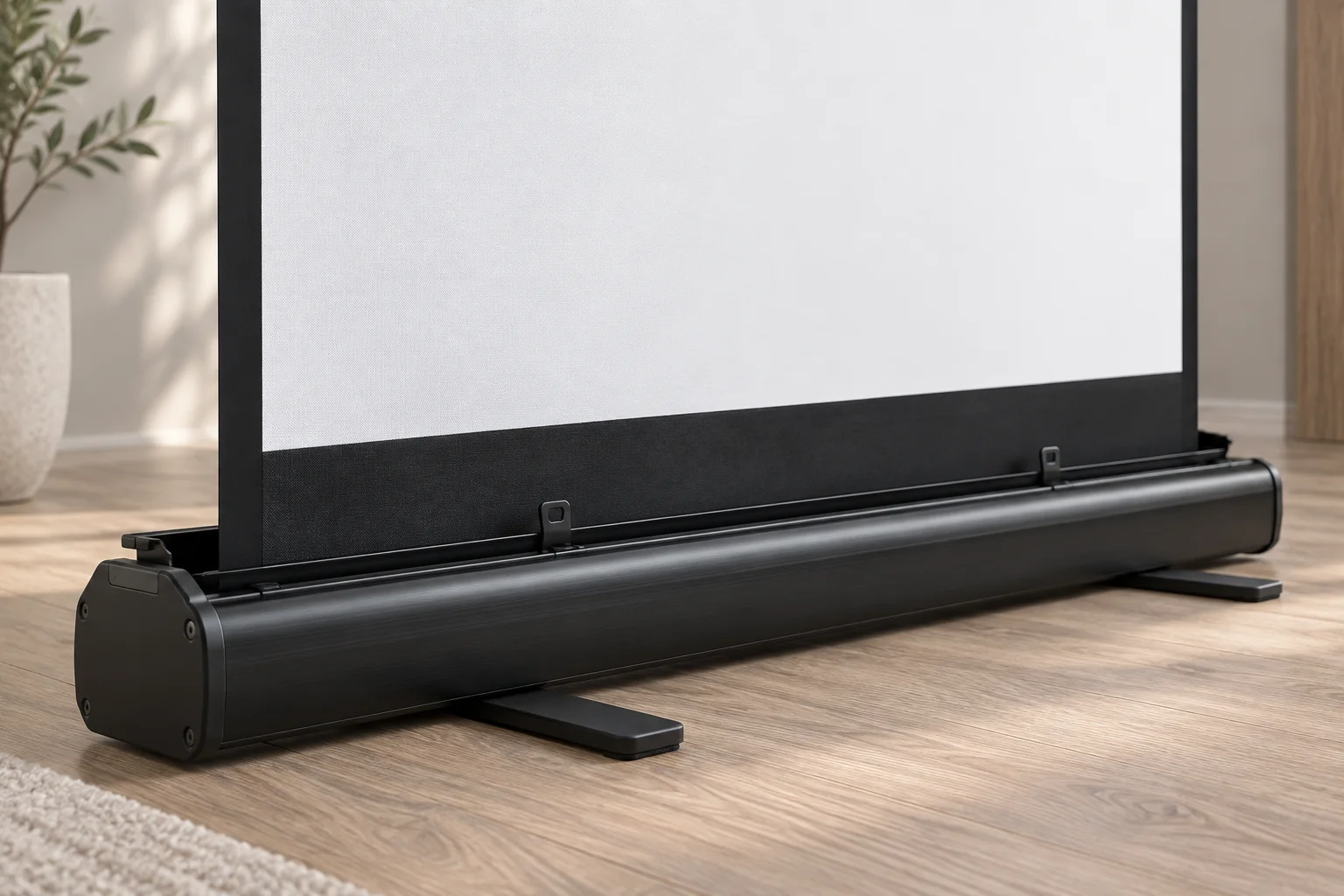
Lightweight aluminium carry case
The casing protects the rolled screen during transport and acts as the self-standing base. Rotate its feet out before opening; turn them back in only after the screen is fully lowered and closed.
Integrated hydraulic mechanism
The handle raises the screen once the case is open. Guide the screen by its handle and rear supports during storage, and operate the lift slowly as the brochure recommends.
Carry, open, present.
Match the brochure drawing to one of four portable models, then follow the opening and storage sequence. Prices come from the current product records; dimensions and weights are brochure planning references.

05 Four models mm unless noted
A balanced surface for 4:3 presentation content.
3 modelsA wide surface for 16:9 video and presentation content.
1 models| Model | Sizein diagonal | PriceRetail ex GST | Aimage W | Bimage H | Lbase | Clower drop | Weightkg | CaseL × W × H |
|---|---|---|---|---|---|---|---|---|
| 4:3 Standard | ||||||||
| P-SB60 | 60 | S$243.12 | 1,219 | 914 | 1,394 | 1,046 | 10.39 | 1,398 × 125 × 100 |
| P-SB80 | 80 | S$293.58 | 1,626 | 1,219 | 1,801 | 741 | 11.95 | 1,805 × 125 × 100 |
| P-SB100 | 100 | S$339.45 | 2,032 | 1,524 | 2,227 | 781 | 15.60 | 2,231 × 125 × 100 |
| 16:9 Widescreen | ||||||||
| P-SB92W | 92 | S$339.45 | 2,032 | 1,143 | 2,227 | 1,162 | 15.20 | 2,231 × 125 × 100 |
Verified retail prices ex GST. Dimensions and weights are brochure planning references; confirm the supplied model before ordering.
06 Open and store
Rotate feet
Turn each foot perpendicular to the case.
Open case
Open the case and expose the centre handle.
Lift screen
Lift with the centre handle; the hydraulic lift raises it.
Lower supports
Lower the rear supports until the screen is within reach.
Guide by handle
Hold the handle and guide the screen into the case.
Close case
Close the case, then turn both feet back in.
Rotate the feet perpendicular to the screen, open the case, then lift the handle to raise the screen with the integrated hydraulic mechanism.
07 Care and storage
Open and store
- Rotate the feet perpendicular to the screen before opening the case.
- Guide the screen with its handle and rear supports when lowering it into the case.
- Close the case and turn the feet in before carrying or storing it.
Protect the surface
- Clean the projection surface with a dry, soft cloth only.
- Do not pull the sides, fold or crease the fabric, or drag the case across the floor.
- Store the screen upright in its casing. Operate the hydraulic lift slowly.
- Prices and warranty follow verified product records. Optional support accessories are enquiry-only.
- Model dimensions and weights are transcribed from the original brochure specification sheet. P-SB casing dimensions are the brochure product envelope.
- Read the original product page for the source context. Opening and storage follow the brochure sequence; Care uses the current family guidance: dry, soft cloth only.