
Projector specifications glossary
Read projector specifications in plain English, then connect the numbers to image size, room light, source content and lens geometry.
A room-first glossary for comparing resolution, brightness, contrast, throw ratio, lens movement and correction without treating one catalogue number as a suitability guarantee.
Projector specifications are useful when they answer a room question. A higher number is not automatically a better fit: image width, source content, ambient light, screen material, viewing distance and lens geometry all change what a specification means in practice.
The core specifications
| Specification | Plain-English meaning | Review question |
|---|---|---|
| Resolution | The pixel dimensions the projector can display. | Does it preserve the detail and text size needed at the intended image width? |
| Brightness | A published light-output figure whose test method, mode and screen conditions matter. | Which documented measurement applies, and how much room light reaches the screen? |
| Contrast | The difference between dark and bright portions in a stated test condition. | Will room reflections or ambient light reduce the perceived benefit? |
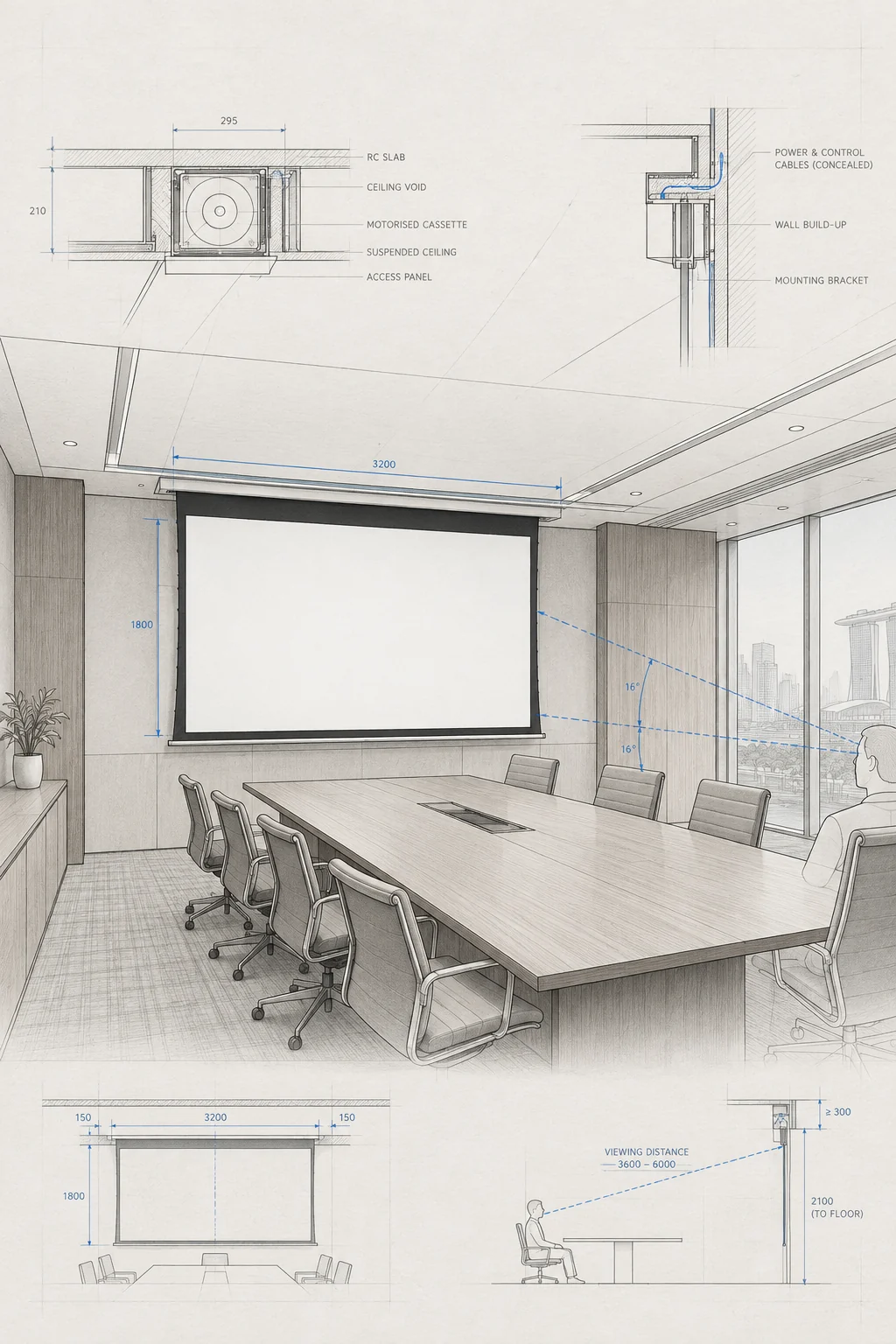
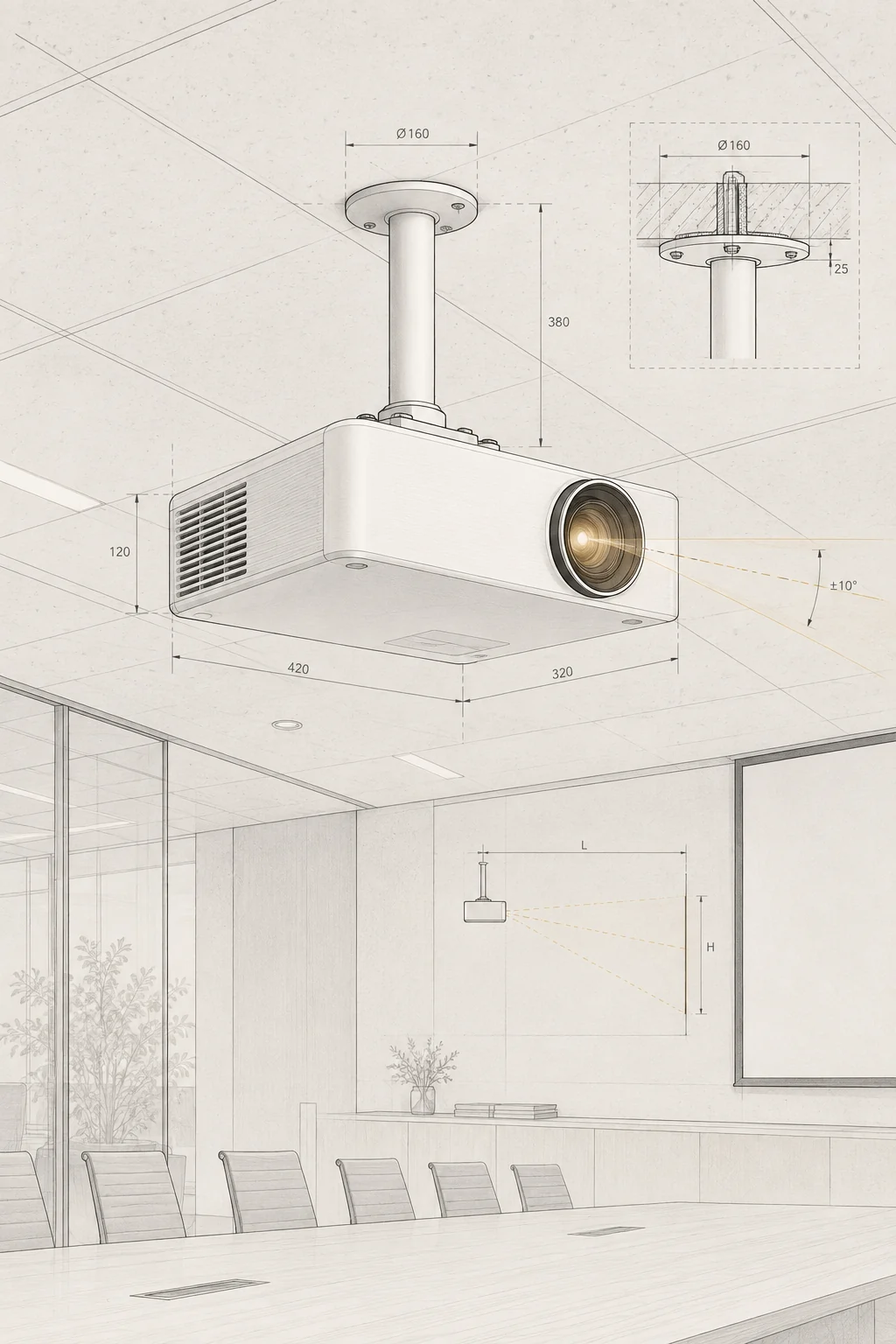
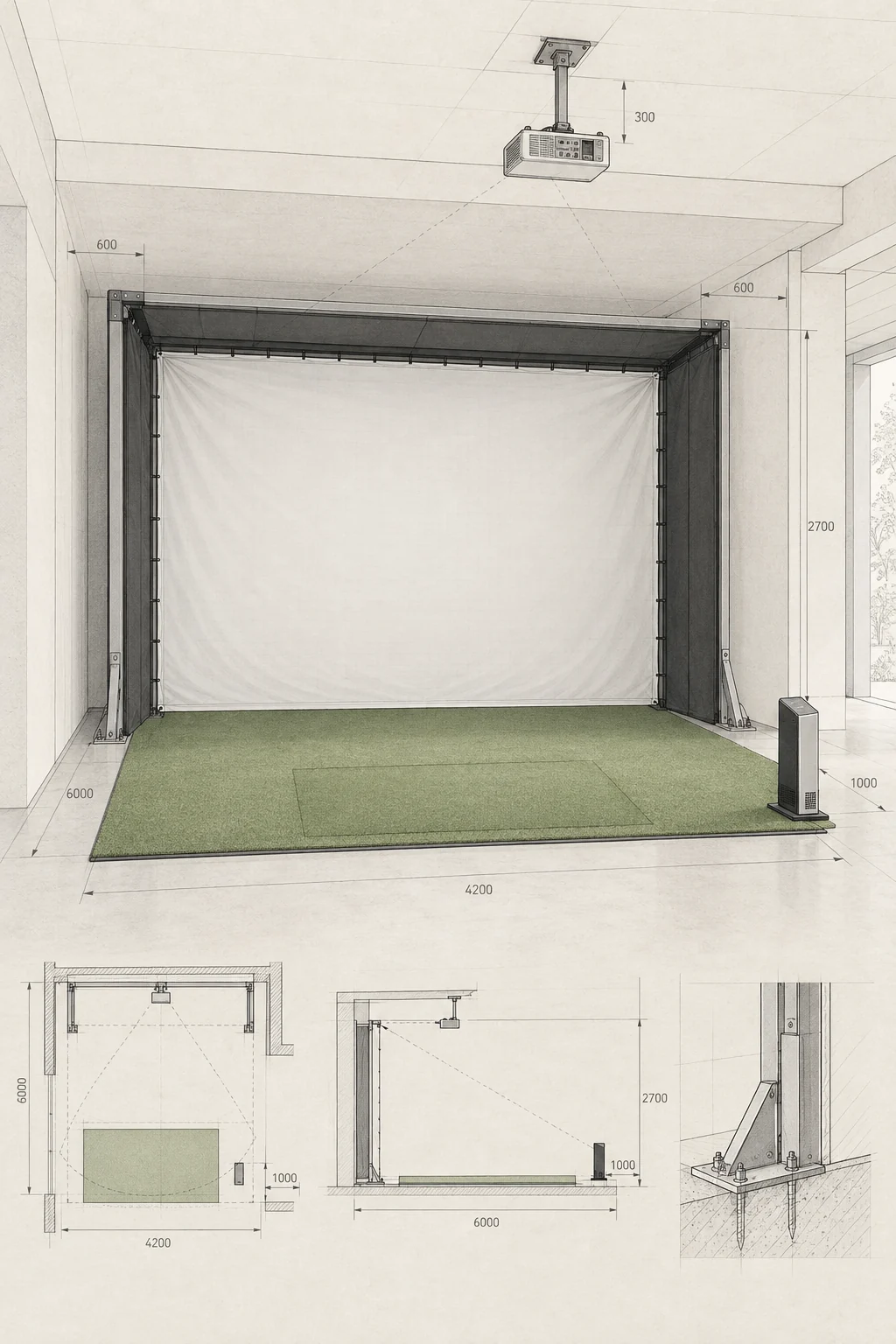
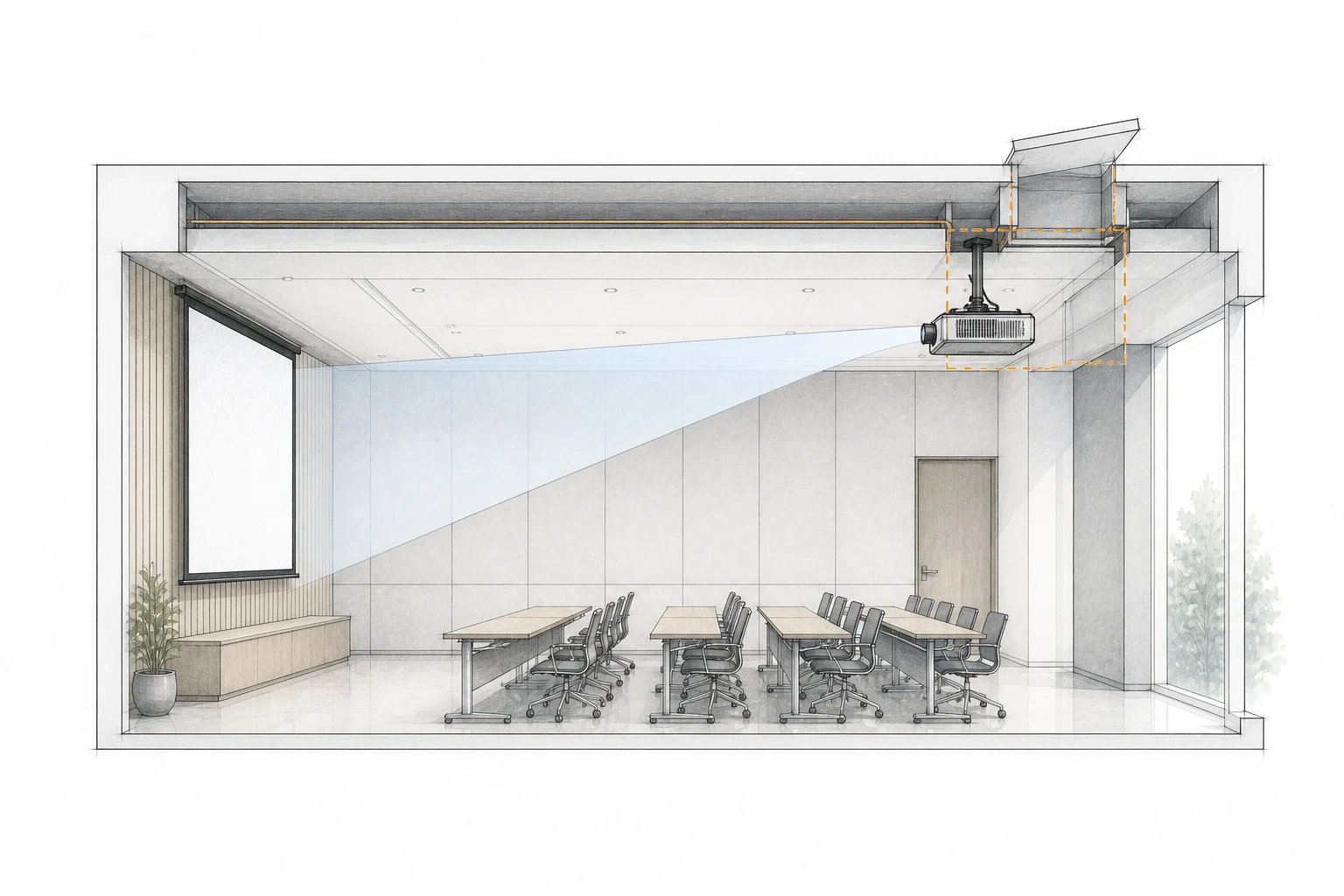
| Throw ratio | The relationship between lens-to-screen distance and image width. | Does the model/lens range fit the marked room position? |
| Lens shift / offset | Optical or physical geometry that affects where the image sits. | Can the screen and projector be mounted without relying on heavy digital correction? |
| Aspect ratio | The width-to-height shape the projector and source are expected to display. | Does the source content fit the screen without an avoidable mismatch? |
| Correction | Digital or optical adjustment used to place or reshape the image. | Can the room geometry work with limited correction and a reliable test pattern? |
Resolution names and pixel dimensions
Resolution names are fixed pixel dimensions, so they can be stated exactly. 4K UHD carries four times the pixel count of Full HD, and WUXGA is the 16:10 counterpart of Full HD. Whether a resolution is enough depends on image width, viewing distance and how small the text in the source content is.
| Name | Pixel dimensions | Aspect ratio | Pixel count |
|---|---|---|---|
| HD | 1280 × 720 | 16:9 | 0.9 megapixels |
| Full HD | 1920 × 1080 | 16:9 | 2.1 megapixels |
| 4K UHD | 3840 × 2160 | 16:9 | 8.3 megapixels |
| SVGA | 800 × 600 | 4:3 | 0.5 megapixels |
| XGA | 1024 × 768 | 4:3 | 0.8 megapixels |
| WXGA | 1280 × 800 | 16:10 | 1.0 megapixels |
| WUXGA | 1920 × 1200 | 16:10 | 2.3 megapixels |
Throw-ratio classes
| Class | Throw ratio | What the ratio describes |
|---|---|---|
| Short throw | Under 1:1 | The lens sits closer to the screen than the image is wide. |
| Standard or long throw | About 1.5:1 to 2.5:1 or more | The lens sits roughly one and a half to two and a half image widths back, or further. |
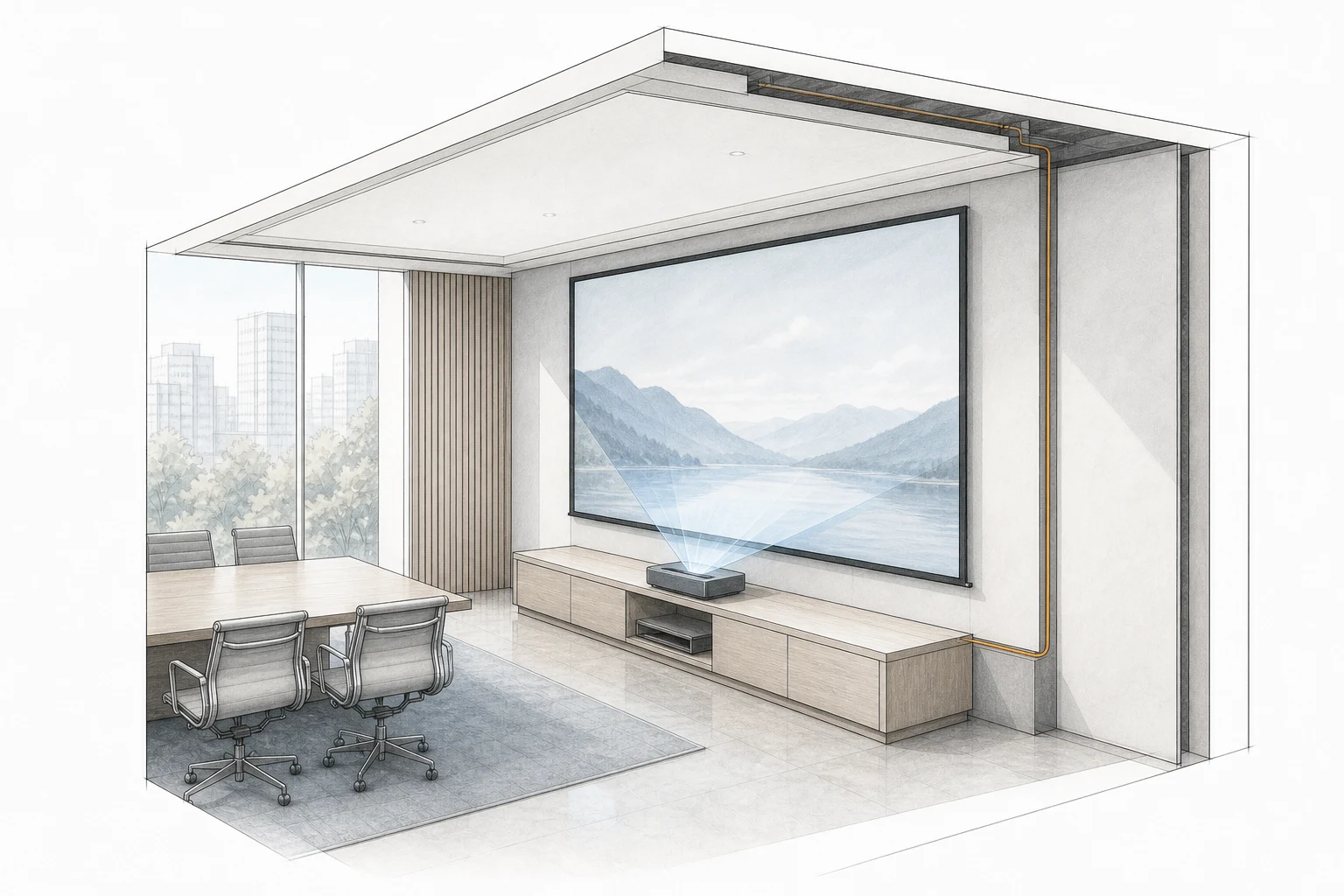
| Ultra short throw | Under 0.4:1 | The lens sits very close to the screen, often directly below it. |
Brightness bands
| Published brightness | Room condition the band assumes |
|---|---|
| Under 1000 lumens | Dark rooms with little ambient light. |
| 1000 to 3000 lumens | Rooms with control over ambient light. |
| Over 3000 lumens | Large rooms, offices or daytime viewing. |
Read the numbers with the room
Windows, luminaires, wall colour, screen material and viewing distance affect the result. Contrast figures also depend on test conditions, so use them as one input rather than a promise of a particular room image.
Selection checklist
- List the source devices and content: slides, spreadsheets, video, signage, games or mixed formats.
- Record intended image width, aspect ratio, nearest viewing distance and seating spread.
- Describe daylight, luminaires, blackout and reflective surfaces in the room.
- Compare documented brightness and resolution in the actual operating mode.
- Confirm throw ratio, lens shift, offset, orientation and correction limits for the exact model.
- Check screen material, mounting structure, cable route, ventilation and service access.
Original public post checked 2026-09-18; resolution, throw-ratio and brightness figures are retained as definitions, and the room judgements around them have been replaced with review questions.
Keep planning.
Compare a projector in context
Share room light, image size, distance, source content and the model or lens you are considering.
Compare a projector in context