
Projector screen size chart and aspect ratios
Turn a screen diagonal into visible width and height, and choose the aspect ratio from the content before comparing sizes.
Screen size chart in mm for 80–150 inch screens at 16:9, 16:10 and 4:3, plus how aspect ratio changes the visible image for the same diagonal.
A screen size is two numbers: the diagonal and the aspect ratio. Together they fix the visible width and height, which are the dimensions that matter for the wall, the projector's throw and the seats. Use the chart to turn a diagonal into a visible image, then add the frame, casing and clearances as separate dimensions.
Screen size chart
Visible image width × height in millimetres for common diagonals at the three most used aspect ratios. The values are calculated from the diagonal and the ratio, so they apply to any brand; the frame or casing adds to them.
| Diagonal | 16:9 (W × H mm) | 16:10 (W × H mm) | 4:3 (W × H mm) |
|---|---|---|---|
| 80" | 1,771 × 996 | 1,723 × 1,077 | 1,626 × 1,219 |
| 90" | 1,992 × 1,121 | 1,939 × 1,212 | 1,829 × 1,372 |
| 100" | 2,214 × 1,245 | 2,154 × 1,346 | 2,032 × 1,524 |
| 110" | 2,435 × 1,370 | 2,369 × 1,481 | 2,235 × 1,676 |
| 120" | 2,657 × 1,494 | 2,585 × 1,615 | 2,438 × 1,829 |
| 135" | 2,989 × 1,681 | 2,908 × 1,817 | 2,743 × 2,057 |
| 150" | 3,321 × 1,868 | 3,231 × 2,019 | 3,048 × 2,286 |
How screen size is described
| Measurement | What it tells you | Use it for |
|---|---|---|
| Diagonal | The corner-to-corner distance across the visible image area. | Comparing common wide-format screen sizes when the aspect ratio is already known. |
| Visible width | The horizontal image dimension from left to right. | Throw-distance calculations, wall planning and seating checks. |
| Visible height | The vertical image dimension from top to bottom. | Sightlines, screen drop, furniture clearance and image placement. |
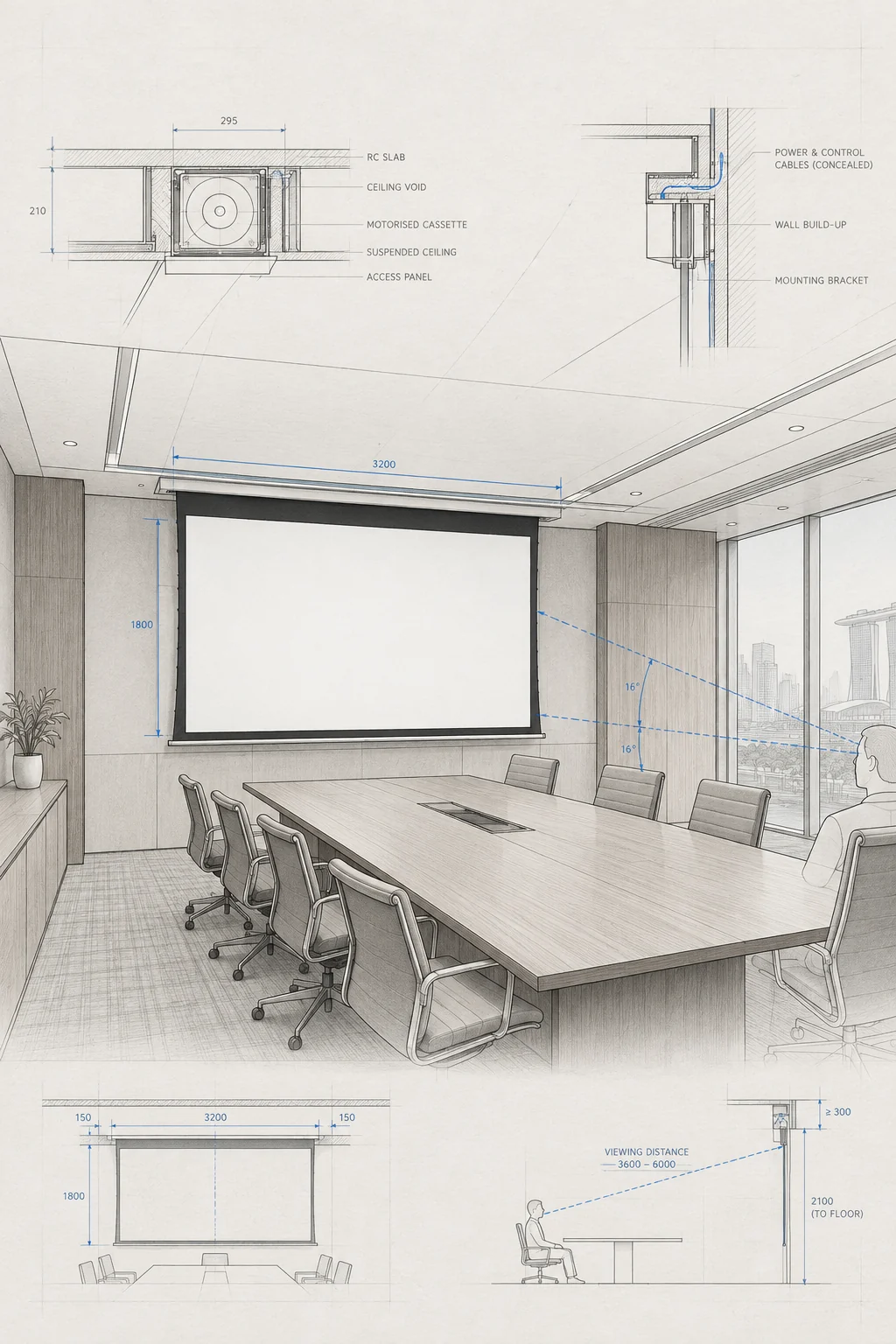
| Outer envelope | The frame, casing, brackets, border and service space beyond the image. | Checking whether the installed screen fits the wall, recess or ceiling. |
Aspect ratio sets the shape
Aspect ratio is the relationship between an image's width and height. It changes the shape of the visible screen, the size of the image at a given diagonal and how content fits when the source and screen use different formats.
| Ratio | Shape | Often considered for |
|---|---|---|
| 1:1 | Square | Rooms with mixed presentation material or a brief that needs a squarer image. |
| 4:3 | Near-square | Legacy presentation content or existing room systems that already use this shape. |
| 16:9 | Widescreen | Video, home cinema, games and many current presentation sources. |
| 16:10 | Slightly taller widescreen | Computer and office content that is authored for a 16:10 display. |
| 21:9 | Ultra-wide | A specific cinematic or panoramic brief where the source and room support it. |
The same diagonal can show a different image
A 100-inch diagonal does not describe one rectangle. At 16:9 it is about 2,214 mm wide and 1,245 mm high; at 4:3 it is about 2,032 mm wide and 1,524 mm high, so it is 18 cm narrower but 28 cm taller. Compare screens of different shapes by visible width and height, not by diagonal.
When the source and screen shapes differ
When the source and screen shapes do not match, the image may show unused bars, be cropped or be stretched depending on the source and display settings. That should be an intentional choice based on the content and the people viewing it.
Plan from the visible image
- List the source devices and content formats used most often, then choose the screen shape.
- Decide whether mixed content should show bars, use masking or remain uncropped.
- Use visible width for throw-ratio and projector-placement planning.
- Use visible height for sightlines, screen drop, furniture clearance and the top and bottom image edges.
- Keep the frame, casing, border, brackets and service access outside the visible image measurement.
- Check the nearest, furthest and widest seats rather than only the centre seat.
- Confirm the projector and source support the chosen ratio without an avoidable scaling mismatch.
Original public post checked 2026-09-18; size examples are retained as approximate planning references, with manufacturer dimensions controlling.
Original public post checked 2026-09-18; broad format recommendations have been rewritten as source- and room-dependent planning guidance.
Keep planning.
Check image size in a room
Include aspect ratio, viewing distances, source content and a photo of the intended screen wall.
Check image size in a room